Simulator
Interface
Simulator
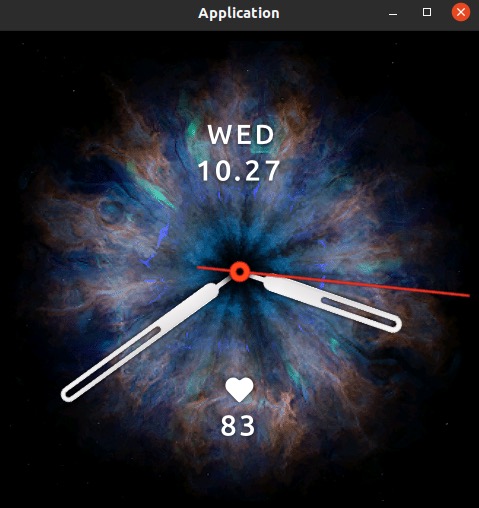
Click simulator button in the upper left corner of devtools, then Zepp OS watch simulator starts.
Home key or fn + ← on keyboard can unlocks the watch simulator.
Waiting for project connection..., and you will find your project in the unlocked menu list.
Debugger
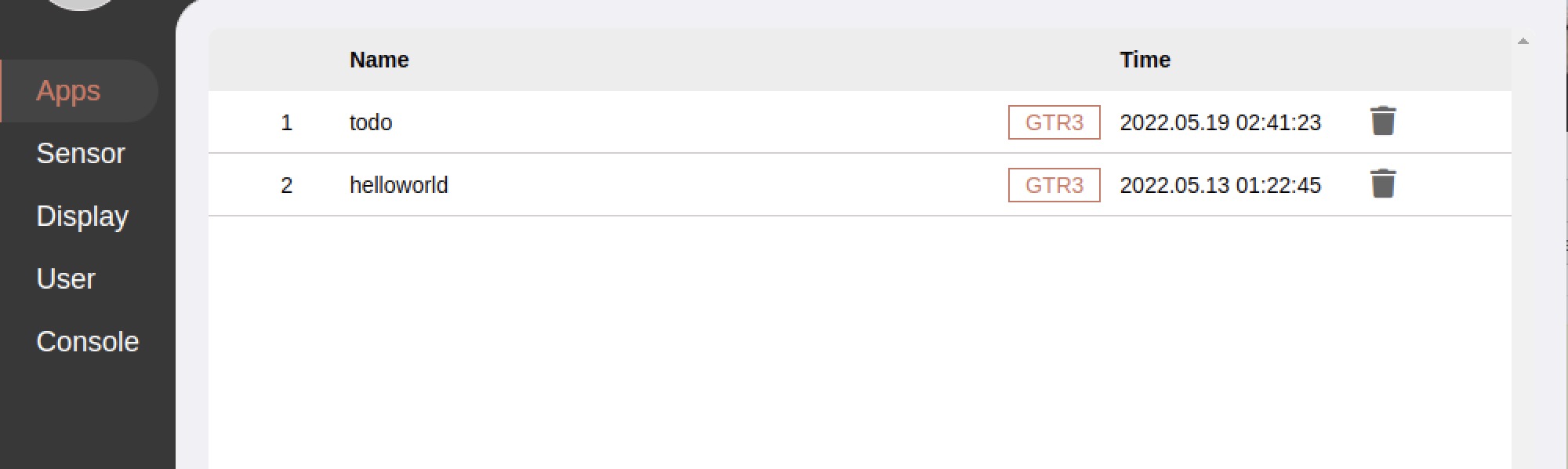
Apps: list for apps already started
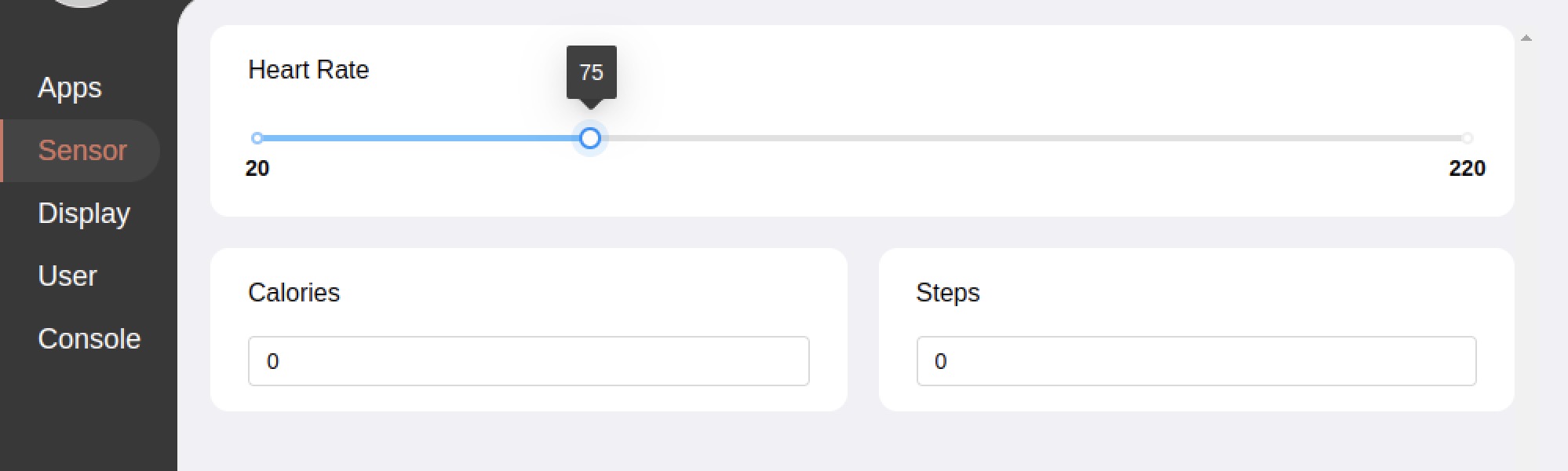
Sensors: sensor settings
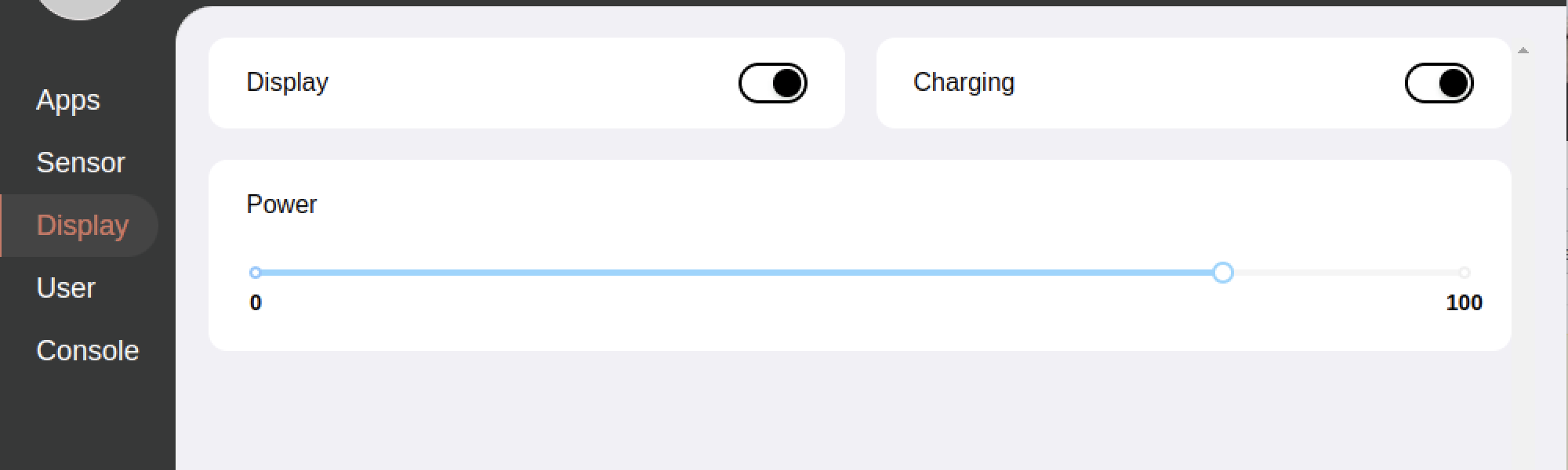
Display: some special settings
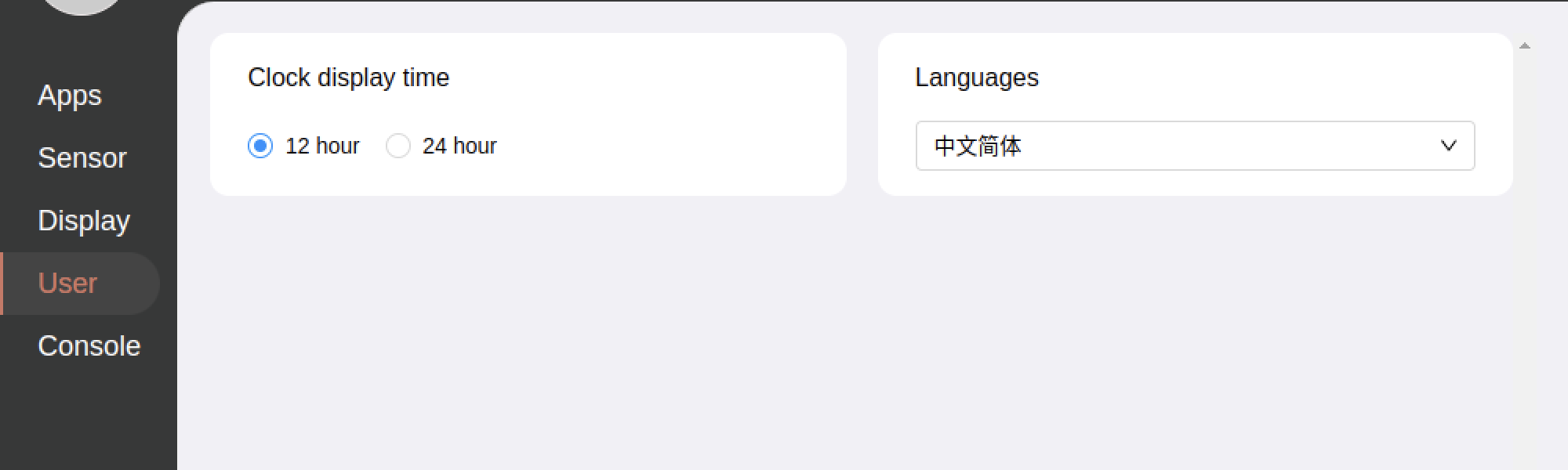
User: user settings
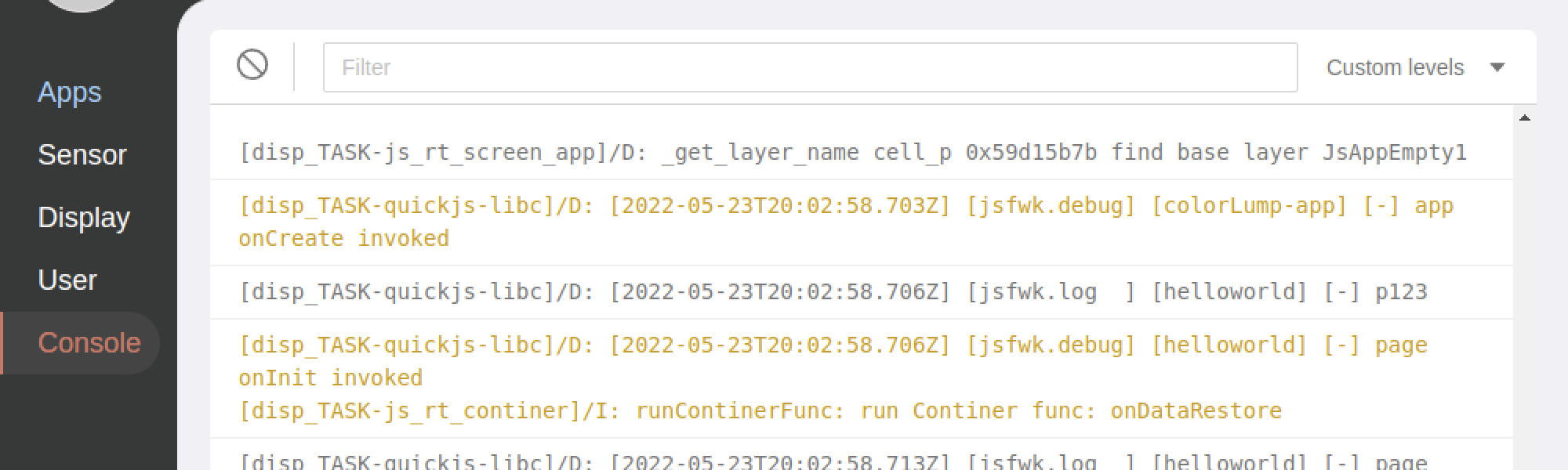
Console: print simulator log
Settings
Mobile associated application window debugger
SideService
Mobile associated application and simulator communication window debugger