Text
Design principles
Meaningful: The text should help the user make a choice, take an action, or understand the current state.
Concise and comfortable: The text should be simple, user-friendly, and relevant. Keep the user focused on the task and make the user feel good.
Title
Main titles
- The main title is used to explain or summarize the content of the next level.
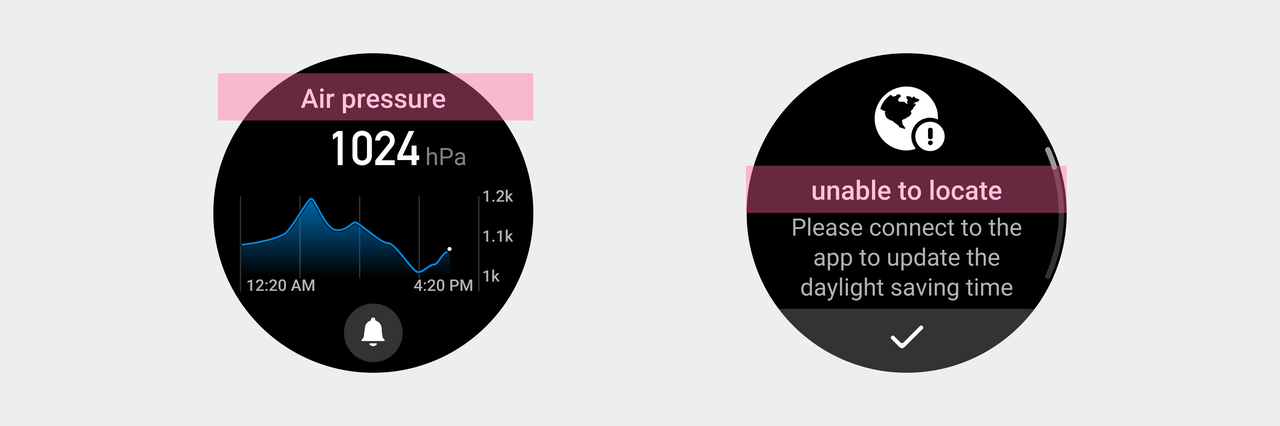
- The main title should be consistent with the name of the feature on the previous interface.
Subtitles
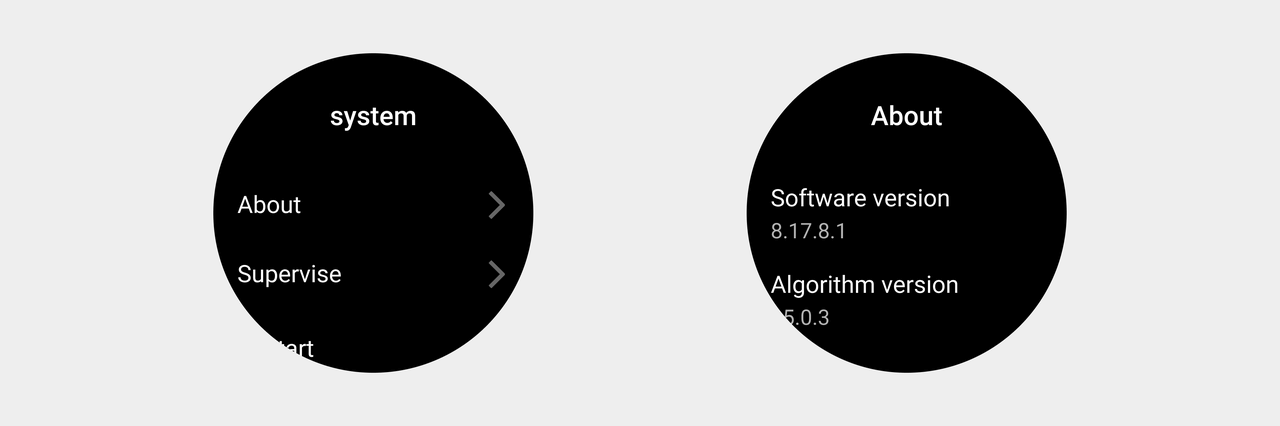
- When the main title cannot fully convey the content, add subtitles to supplement the information.

① The subtitle should have a lower-level style than the main title to show the page hierarchy.
Body text
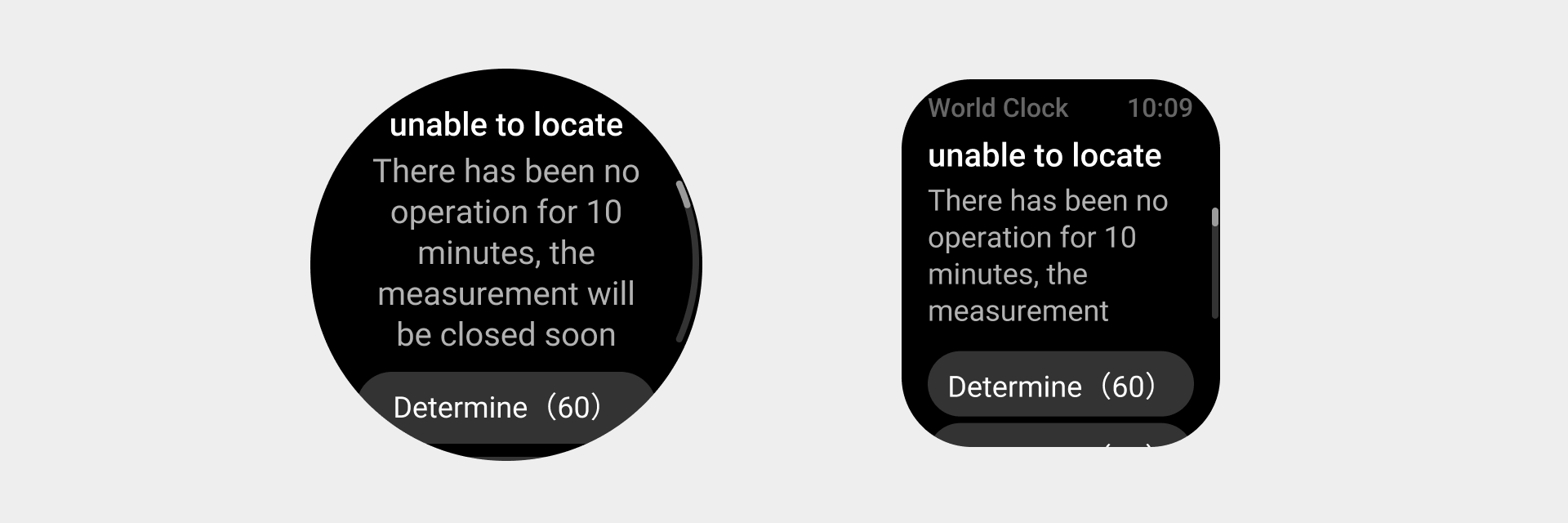
The body text should show the full text without omission.
- Description text and introductions.
Auxiliary text
-
For more information about time, date, day of week, and unit, refer to: International textual usage.
-
For more information about charts, refer to: Charts.
Copywriting principles
Provide simple, direct, clear, and context-appropriate copywriting to avoid confusion.
| Preferred | Incorrect | |
|---|---|---|
| Using the fewest possible words without sacrificing accuracy | Save changes? | Do you want to save your changes? |
| Express key points to be communicated in the current situation | Your phone is connecting with us. This may take up to 5 minutes. | Your phone needs to connect with our servers before you can log in to your account. This may take up to 5 minutes. |
| Avoid jargons | Generating record... | Buffering… |
| Use Arabic numerals | You have 3 messages. | You have three messages. |
| Clearly define the user and don't describe the same person using both first-person and second-person pronouns | Change preferences in "My Account". | In "My Account", you can change your preferences. |
| Use the correct tense and voice | Message sent. | Send message. |
| Describe goals and methods | To delete a photo from this album, drag it to the recycle bin. | Drag photos to the recycle bin to remove them from this album. |
| For text on buttons or switches, do not describe the type of element or control, and avoid repetition. | Tap Continue. | Tap the Continue button. |